Mermaid Viewer for Chrome: Preview and Export Diagrams
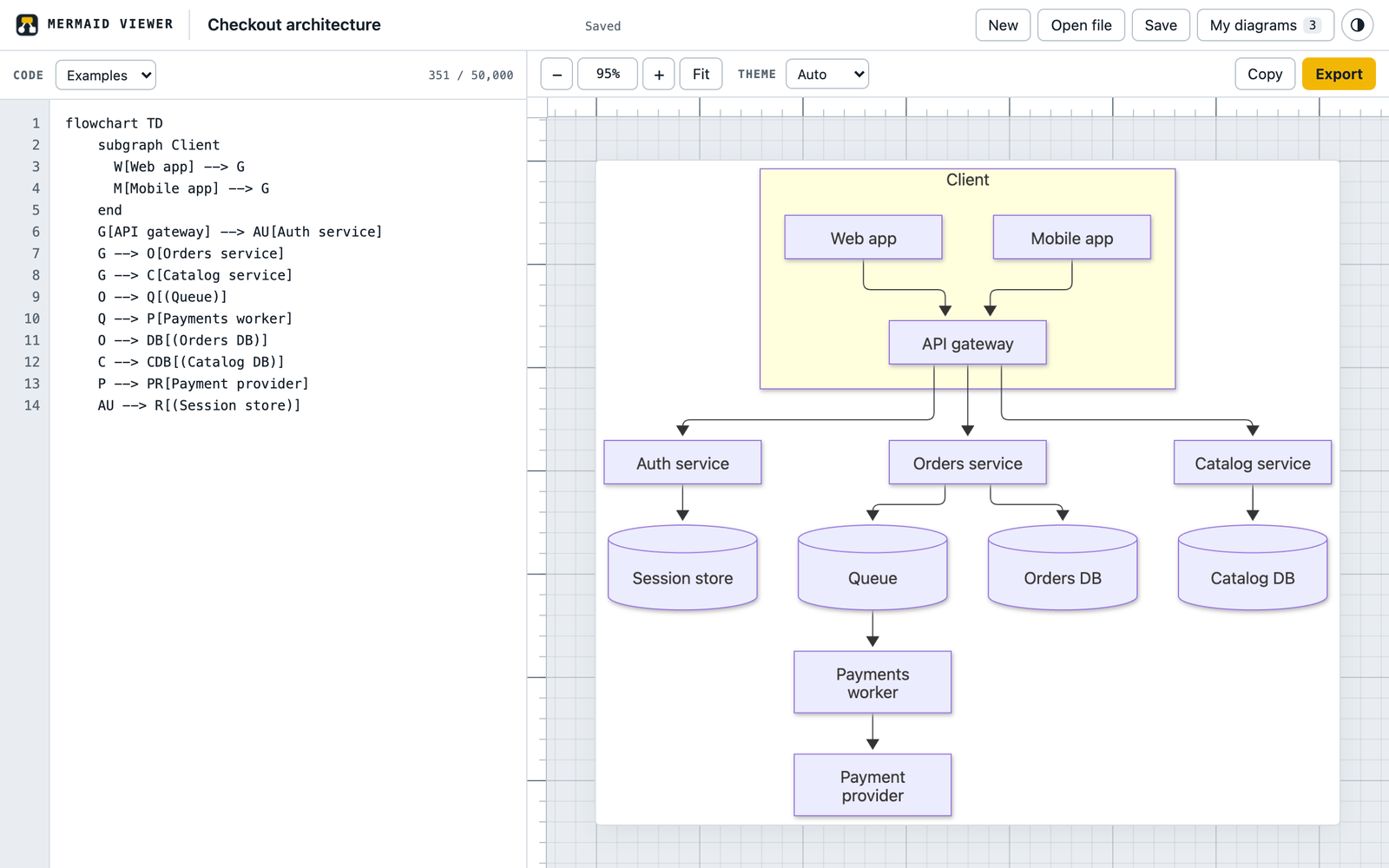
Paste Mermaid code, open a .mmd or Markdown file, or click the extension icon on a page that shows diagram code. The diagram opens in a tab of its own, where you can zoom it, switch themes and export a sharp PNG or SVG.
Add to ChromeComing soon to the Chrome Web Store.
Runs in your browser. Nothing is uploaded.
How it works
- Click on a pageOn a wiki page or an AI chat answer with diagram code, click the icon. Every Mermaid block on the page is listed above the editor.
- Or bring your own codePaste it, drop a .mmd file or a Markdown note onto the tab, or start from one of the examples.
- Zoom, then exportScroll to zoom and drag to move. Export a PNG up to 4x size or an SVG, or copy the image into a doc.
A mermaid viewer that stays out of your pages
The extension has no access to the sites you visit. It reads a page once, only after you click its icon or pick Find Mermaid diagrams on this page in the right-click menu, and it changes nothing on that page. For code outside a code block, select it and choose View selection as Mermaid diagram.
Export that holds up in docs and slides
PNG files come out at 1x, 2x or 4x, on the theme background or transparent. SVG files keep real text. If a very large chart does not fit the browser's image limit at the size you picked, the viewer exports the largest size that fits and tells you which.
Your diagrams stay in your browser
Save a diagram under a name and find it later in My diagrams. An unsaved draft survives a closed tab. There is no account and no server: the viewer makes no network requests, and the diagram library is bundled inside the extension.
Questions
Does it work offline?
Yes. Everything runs inside the extension's own tab, including drawing and export.
Can it open a .mmd file from my disk?
Yes. Use Open file or drag the file onto the tab. From a Markdown note it lists every mermaid block so you can switch between them.
What happens when the code has a mistake?
The editor marks the line with the problem and shows the library's message, and the last version that worked stays on screen, faded.
Not affiliated with Mermaid Chart Inc. or the Mermaid open source project. Privacy: Mermaid Viewer privacy policy.